
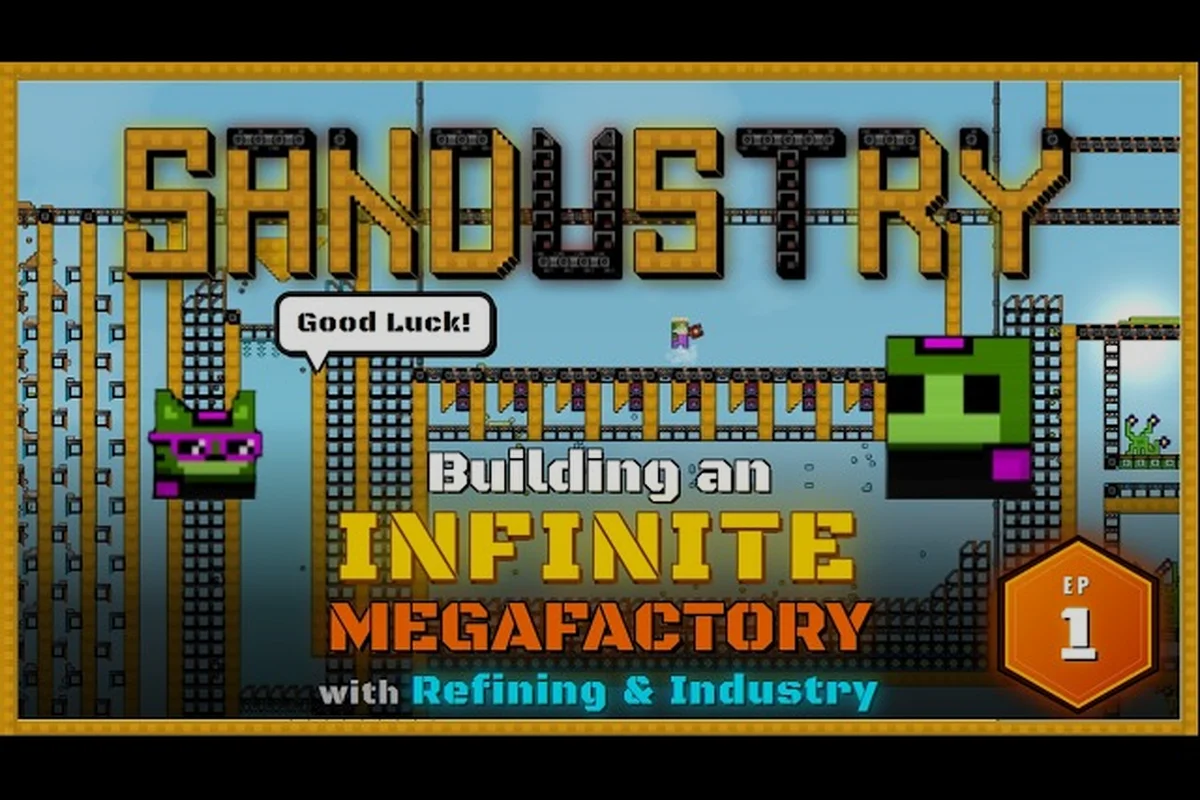
Sandustry launches into Early Access on August 13, 2026, and it ships with dedicated modding tools baked right in, which means you can start building custom content from day one. This Sandustry modding tutorial walks you through the entire pipeline, from reading the official mod documentation to designing your first custom machine and loading it into a fresh save. Whether you want to tweak textures, extend production chains, or build a full overhaul, the workflow stays the same, and by the end of this guide you will have a working mod that actually changes how the game plays.
The developer has made modding a first-class feature, not an afterthought, because the official site confirms that Sandustry supports custom maps, new buildings, processes, and complete overhauls. That commitment matters if you care about long-term replayability, since the community can keep the factory experience fresh long after you exhaust the base content. This guide focuses on the practical path: what tools you need, how the mod folder works, how to define a custom machine, and how to test everything without breaking your main save.
Understanding the Sandustry Modding Structure
Before you write a single line of configuration, you need to understand how Sandustry organizes mods, because the official mod documentation groups everything into four broad categories that determine what you can actually change. According to the official website, the four categories are visual tweaks that alter textures and colors, custom maps and world layouts that reshape the terrain, new buildings and processes that extend production chains, and full overhauls that rebalance the entire factory experience. Each category has different complexity requirements, and knowing where your idea fits will save you hours of frustration.
The modding tools shipped with the game handle most of the heavy lifting, so you do not need to be a programmer to create something useful. Community reports suggest that the built-in editor lets you define building properties, input and output rates, and visual appearance through a structured interface, which then generates the underlying mod files for you. That said, understanding the file structure still helps, because you will need to manually place your mod in the correct folder and occasionally edit configuration values by hand.
| Mod Category | What You Can Change | Complexity Level | Typical Use Case |
|---|---|---|---|
| Visual Tweaks | Textures, colors, particle effects | Beginner | Reskins and cosmetic changes |
| Custom Maps | World layout, ore distribution, starting area | Intermediate | New challenge scenarios |
| New Buildings | Machine stats, recipes, production chains | Intermediate | Extending factory complexity |
| Full Overhauls | Economy, progression, entire game balance | Advanced | Total conversion experiences |
The mod folder is the single most important concept to grasp, because every mod you create or download must live there to be recognized by the game. You can find the folder in your Sandustry installation directory, and the game scans it on startup to load any valid mod definitions. If you are unsure where your mods are stored, the mod installation guide covers the exact directory paths and common troubleshooting steps.
Preparing Your Mod Development Environment
Getting your environment ready is straightforward, but skipping this step will cause confusing errors later. The developer distributes the official modding tools through the Sandustry Official Discord, so you need to join that server and grab the latest tool package from the pinned messages in the modding channel. The tools include a map editor, a building definition editor, and documentation files that explain every configurable property, and community members regularly share updated versions when the game patches.
Once you have the tools downloaded, create a dedicated workspace folder on your computer where you keep all your modding projects. This folder is separate from the game's mod folder, because you want a clean staging area to edit files without accidentally breaking your current save. A typical workflow, as described by the official site, looks like this: create your custom map or building definition with the shipped tools, load it through the mod folder, test it in a fresh save, and then publish it to the Steam Workshop or the community Discord.
Choosing Your First Mod Project
Your first project should be small enough to finish in one sitting, because the goal is to learn the pipeline, not to build the next total conversion. A custom machine that processes a new resource or combines existing ones is the perfect starting point, since it exercises the core modding features without requiring you to redesign the entire game. Community reports indicate that most successful first mods add a single new building with a unique recipe, which gives you immediate feedback and a sense of accomplishment.
Understanding the Mod Documentation
The official mod documentation is your reference manual, and you should keep it open while you work. It explains every field in a building definition, including input rates, output rates, power consumption, and visual appearance, and it provides examples you can copy and modify. The documentation also covers the mod folder structure, so you know exactly where each file type belongs, and it includes troubleshooting tips for common issues like missing textures or invalid recipe references.
Creating Custom Machines with the Built-In Tools
Now we get to the hands-on part of this Sandustry modding tutorial: building your first custom machine. The building definition editor lets you specify every property of your machine through a form-based interface, and it generates the underlying configuration file for you. You start by giving your machine a unique internal ID, which the game uses to reference it in recipes and save files, and you should follow a naming convention like moddername_machinename to avoid collisions with other mods.
The next step is defining what your machine does, and this is where the production chain logic comes into play. You specify input items and their rates, output items and their rates, and the power consumption required to run the machine. The editor validates your entries against the game's item database, so you will get immediate feedback if you reference an item ID that does not exist. Community data suggests that starting with a simple 2-to-1 recipe, like two iron ore producing one steel bar, helps you understand the rate calculations before you tackle more complex multi-input recipes.
| Machine Property | What It Controls | Example Value | Notes |
|---|---|---|---|
| Internal ID | Unique identifier | myfirst_compressor | Must be unique across all mods |
| Input Items | Resources consumed | iron_ore x2 | Rate is per second |
| Output Items | Resources produced | steel_bar x1 | Rate is per second |
| Power Consumption | Energy required | 50 kW | Higher throughput costs more |
| Visual Model | In-game appearance | compressor.mdl | Can reuse existing models |
After you define the machine's behavior, you configure its visual appearance, and the editor lets you either reuse an existing model or import a custom one. For your first mod, reusing an existing model with a different color tint is perfectly fine, because it lets you focus on the functional side of mod development. The visual tweaks category becomes relevant here, since you can override textures and colors without touching the underlying model geometry.
Testing Your Custom Machine
Testing is where most new modders make mistakes, because they load their mod into their main save and wonder why nothing works. The official workflow recommends testing in a fresh save, since that guarantees no conflicting mod data or corrupted references. You place your mod folder in the game's mod directory, launch Sandustry, and create a new world to verify that your machine appears in the build menu and functions correctly.
Testing and Debugging Your First Mod
Testing your mod in a fresh save is the first step, but real debugging requires a systematic approach, because the game will not always tell you exactly what went wrong. The most common issues reported by players include missing item references, invalid recipe definitions, and texture loading failures, and each one produces different symptoms. A machine that appears in the build menu but refuses to accept input usually points to a recipe definition problem, while a machine that does not appear at all often means the mod folder structure is wrong.
The mod documentation includes a log file location, and checking that log after loading your mod will reveal most errors. Community reports suggest that the game writes detailed error messages that include the specific line number in your mod file, which makes fixing issues much faster than guessing. You should also test your mod in combination with other mods, because the community mods guide highlights that some mods conflict when they define the same internal IDs.
Common Debugging Workflow
When something goes wrong, work through these steps in order, because they cover the vast majority of issues. First, verify that your mod folder is in the correct location and that the game recognizes it by checking the mod list in the main menu. Second, review the game log for error messages that reference your mod's ID or file name. Third, validate that every item ID and recipe reference in your mod matches the base game's database exactly.
Publishing Your Mod to the Sandustry Workshop
Once your mod works reliably in testing, you can share it with the community, and the Steam Workshop is the primary distribution channel for Sandustry mods 2026. The publishing process is built into the game, so you select your mod from the mod list and choose the publish option, which uploads your files and creates a Workshop page. You will need to write a description, set a title, and choose a category, and the official site recommends including clear installation instructions and screenshots of your machine in action.
Before you publish, you should also consider whether your mod depends on other mods, because the Workshop system supports dependencies that automatically download required files. The custom recipes mod guide explains how to set up dependencies correctly, which matters if your machine references items from another mod. Community reports indicate that mods with clear dependency declarations get fewer bug reports, since players do not have to figure out what else they need to install.
| Publishing Step | What You Do | Why It Matters |
|---|---|---|
| Test on fresh save | Verify no conflicts | Prevents broken downloads |
| Write description | Explain what the mod does | Helps players find your mod |
| Set category | Choose the right mod type | Improves Workshop search |
| Add screenshots | Show the machine in action | Increases click-through rate |
| Declare dependencies | List required mods | Prevents missing file errors |
The Workshop also handles updates automatically, so when you fix a bug or add a feature, you can push a new version and players will receive it on their next launch. That update pipeline is one of the reasons the Workshop is the recommended distribution method, because it reduces the friction of manual file sharing. If you prefer not to use the Workshop, the official Discord has a mod-sharing channel where you can post direct download links, though you will need to handle version updates manually.
Advanced Mod Development Techniques
Once you have a working custom machine published, you can start exploring more advanced techniques that the base modding tools support. The full overhaul category is the most ambitious, since it involves rebalancing the entire economy, changing progression curves, and potentially replacing the base game's production chains. Community reports suggest that successful overhauls start small, with a single rebalanced resource chain, and expand outward as the modder gains confidence.
One powerful technique is recipe chaining, where your custom machine produces an intermediate item that another machine consumes, creating a multi-step production line. The mod documentation covers how to define these chains, and the key insight is that each machine only cares about its own inputs and outputs, so you can build complex networks by connecting simple machines. Another technique is conditional output, where a machine produces different items based on which input it receives, which the documentation describes as a way to create flexible factories.
Working with Custom Maps
Custom maps represent a different branch of mod development, because instead of defining machines, you are shaping the world itself. The map editor lets you control ore distribution, terrain height, water placement, and the starting area, which means you can create challenge maps with scarce resources or generous sandbox maps with everything nearby. The mod guide covers map creation in more detail, but the key concept is that maps are just another mod type that lives in the same mod folder.
Optimizing Mod Performance
Performance matters, especially when your mod adds multiple machines or large map changes, because poorly optimized mods can cause frame drops or increased load times. The documentation recommends keeping texture sizes reasonable, avoiding excessive particle effects, and limiting the number of active machines in a single area. Community testing suggests that most performance issues come from visual effects rather than logic, so starting with simple visuals and adding polish later is a smart approach.
Frequently Asked Questions
What tools do I need to start Sandustry mod development?
You need the official modding tools distributed through the Sandustry Discord, which include a building definition editor, a map editor, and the mod documentation. No programming experience is required for basic mods, since the editors generate configuration files for you. The tools are free and updated alongside the game.
How do I install a custom machine mod I created?
Place your mod folder in the game's mod directory, which is located in your Sandustry installation folder. Launch the game and verify the mod appears in the mod list from the main menu. Create a fresh save to test the mod, since loading it into an existing save can cause conflicts with previously placed buildings.
Can I publish my Sandustry mod to the Steam Workshop?
Yes, the game has built-in Workshop publishing that uploads your mod and creates a public page. You need to write a description, set a title, and choose a category before publishing. The Workshop also handles updates automatically, so players receive new versions when you push them.
What is the difference between a custom machine and a full overhaul mod?
A custom machine adds a single new building or process to the existing game, while a full overhaul rebalances the entire factory experience, including economy, progression, and production chains. Overhauls are significantly more complex and typically build on top of custom machine concepts, so starting with individual machines is recommended.
Where can I find more Sandustry mod documentation and community support?
The official Sandustry Discord is your best hub for modding tools, documentation, and direct developer support. For hands-on examples, browse the Steam Workshop to study community mods. Start with the official site's modding overview, then ask targeted questions in the Discord’s modding channel for faster, specific help.