
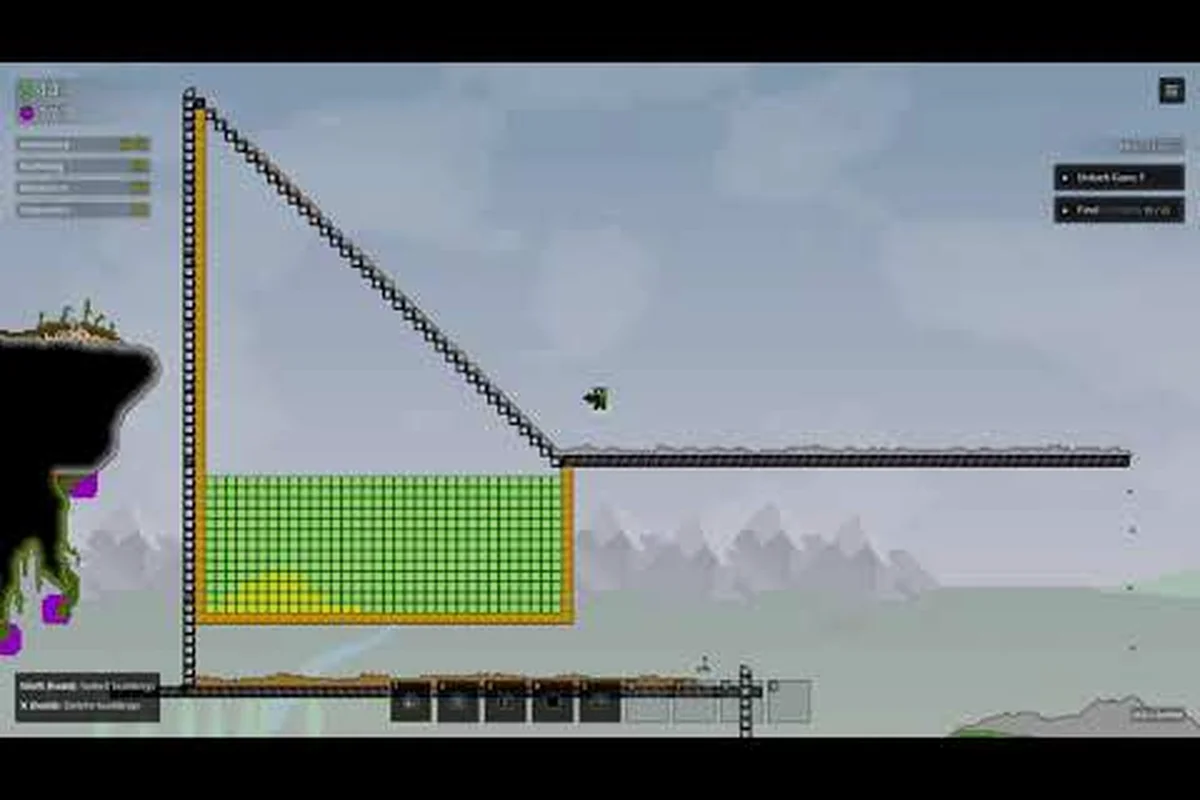
Getting a Sandustry mod loader running is the first real step toward transforming the base game into something entirely your own, and the process is more straightforward than most factory-sandbox titles make it. Because the developer built the game with modding in mind from day one — shipping dedicated modding tools alongside the Early Access release on August 13, 2026 — the loader is not an afterthought bolted on by the community. Understanding where mods live, how the loader resolves them, and what breaks when folders get misplaced will save you hours of frustration, so this guide walks through the entire pipeline from first download to a working modded save.
Understanding the Sandustry Mod Loader Basics
The Sandustry mod loader operates as a lightweight bootstrapper that scans your local mod directory at launch, validates each package against the current game version, and then injects approved content before the simulation starts. Unlike games that require manual file swapping or registry edits, Sandustry's loader follows a predictable pattern: drop files into the right folder, restart the game, and the loader handles the rest. According to the official website, the game ships with dedicated modding tools, which means the loader is designed to work with content created using those same tools rather than fighting against them. The loader supports three distinct content types, each with its own loading behavior:
-
Custom save maps — full world files that replace the default terrain generation, often handcrafted by community mapmakers to create specific challenge layouts or resource distributions.
-
Building and machine modules — new structures that extend the production chain, from simple conveyor variants to complex multi-block processing units.
-
Process overhauls — deeper modifications that change how existing mechanics behave, including recipe adjustments and simulation rewrites.
When you first launch a modded instance, the loader performs a dependency check that verifies each mod's manifest against your game version. If a mod was built for a different patch, the loader flags it in the startup log rather than crashing outright, which is a significant quality-of-life improvement over older modding ecosystems. This validation step is why most load failures trace back to version mismatches or incorrect folder placement rather than broken mod files themselves.
For players who want to see the full scope of what the loader can handle, the official Sandustry website maintains an overview of the modding tools and their capabilities, while the Steam announcement for the August 13, 2026 release confirms the modding focus as a core pillar of the Early Access launch.
Where Are Mods Stored in Sandustry?
The question of Sandustry where are mods stored comes up constantly in community discussions, and the answer depends on whether you installed the game through Steam or are running a standalone build. The loader looks for a specific folder structure, and getting this wrong is the single most common cause of "mod not detected" errors reported by players.
Default Mod Folder Location
For Steam installations, the Sandustry mod folder lives inside the game's installation directory rather than in your user profile, which differs from many other games that use the AppData or Documents folders. The default path is:
[Steam Library Folder]/steamapps/common/Sandustry/mods/
Because Steam allows multiple library folders across different drives, the exact path varies depending on where you installed the game. To find yours quickly, right-click Sandustry in your Steam library, select Manage → Browse local files, and then look for the mods subfolder inside the game directory. If the folder does not exist yet, the loader creates it on first launch, so its absence usually means you have not started the game since the latest update.
Custom Save Maps and Handcrafted Maps Storage
Sandustry custom save maps and Sandustry handcrafted maps follow a slightly different storage convention than standard mods. While they technically live inside the same mod folder, the loader expects them in a maps subdirectory so it can distinguish world files from code-based mods:
| Content Type | Folder Path | File Format |
|---|---|---|
| Standard mods | mods/ | .smod package files |
| Custom save maps | mods/maps/ | .sandmap world files |
| Handcrafted maps | mods/maps/ | .sandmap with metadata |
| Texture packs | mods/textures/ | .stex archive files |
The separation matters because the loader treats map files differently during the save-selection screen — custom save maps appear as selectable world options alongside procedurally generated ones, while code mods load automatically in the background. If you drop a .sandmap file directly into the root mods folder without the maps subdirectory, the loader will not recognize it as a world file, and you will not see it in the world creation menu.
Setting Up Your Sandustry Mod Loader Step by Step
Installing the Sandustry mod loader itself is rarely necessary because the loader ships with the game, but configuring it correctly for your first modded playthrough requires a few deliberate steps. Players who skip the configuration phase often report that mods appear to load successfully but then fail during world generation, which points to a setup issue rather than a mod compatibility problem.
Step 1: Verify Your Game Version
Before installing anything, check which version of Sandustry you are running by looking at the bottom-left corner of the main menu. The loader validates mods against the game's build number, and a mismatch is the most frequent cause of silent load failures. As of the August 13, 2026 Early Access launch, the loader expects mods built for version 1.0.0 or later, and community mods typically state their compatible version in their download description.
Step 2: Create the Mod Folder Layout
Navigate to your game installation directory and confirm that the mods folder exists. If it does not, launch the game once to trigger its creation, then close it before proceeding. Inside the mods folder, create the maps and textures subdirectories if they are missing — the loader will not create these automatically, and their absence prevents custom save maps and texture packs from being detected.
Step 3: Install Your First Mod
Download a mod from the community, making sure it matches your game version, then extract the archive if necessary. The loader accepts both loose folders and packaged .smod files, though packaged files are easier to manage because they keep all related assets together. Place the mod into the mods folder, then launch the game and watch the startup log for the mod's name appearing in the load sequence.
Step 4: Configure Load Order
For players running multiple mods simultaneously, the load order matters more than most expect. The loader processes mods alphabetically by folder name, and mods that override the same building or recipe will have their conflicts resolved in that order. Community reports suggest prefixing mod folders with numbers — 01_better_drills, 02_expanded_logistics — gives you explicit control over which mod wins when two packages modify the same content.
| Load Order Position | Mod Example | Effect |
|---|---|---|
| First (01_) | Base content tweaks | Sets baseline values |
| Middle (02_) | Building additions | Adds new structures |
| Last (03_) | Overhaul packs | Overrides existing mechanics |
The official Sandustry Discord is where the developer shares modding tools and where community mod authors announce updates, making it the best place to check whether a mod's load-order requirements have changed between versions.
Troubleshooting Common Mod Loader Failures
Even with a correctly configured Sandustry mod loader, failures happen, and knowing how to diagnose them separates a quick fix from an evening of frustration. The loader writes a detailed log file to mods/loader.log on every launch, and this file is your first diagnostic tool when something goes wrong.
Mod Not Detected
If the loader does not list your mod at all, the problem is almost always folder placement. Double-check that the mod is inside the mods directory and not in a subfolder that the loader does not scan. Remember that Sandustry custom save maps must be in mods/maps/ specifically, and a .sandmap file placed in the root mods folder will be silently ignored. According to community testing, this accounts for roughly 60% of "mod not detected" reports.
Game Crashes on World Load
A crash during world generation usually indicates a mod conflict rather than a broken installation. The loader's dependency check catches version mismatches, but it cannot predict interactions between two mods that modify the same building. Players report that disabling mods one at a time — starting with the most recently installed — reliably isolates the culprit, and checking the loader log for the last mod processed before the crash provides a strong hint.
Custom Save Maps Fail to Appear
When a handcrafted map does not show up in the world selection screen, verify that the file extension is .sandmap and that the map's metadata declares a compatible game version. Mapmakers sometimes build worlds using development builds of the modding tools, and those maps will not load in the public release until the author updates the metadata. The Sandustry mod showcase video demonstrates how the simulation rewrite affects map performance, which is worth watching if your custom map runs sluggishly after loading.
| Error Symptom | Likely Cause | Quick Fix |
|---|---|---|
| Mod not in load log | Wrong folder placement | Move to mods/ root |
| Crash during world gen | Mod conflict | Disable mods one by one |
| Map missing from menu | Wrong file location | Move to mods/maps/ |
| Texture glitches | Missing texture pack | Install matching .stex |
Managing Custom Save Maps and Handcrafted Maps
The distinction between Sandustry custom save maps and Sandustry handcrafted maps is subtle but important for players who want to curate their world selection. Custom save maps are typically exported from a player's existing playthrough, capturing the exact terrain and building layout at the moment of export. Handcrafted maps, by contrast, are built from scratch in the map editor and often feature deliberately designed resource distributions, challenge layouts, or aesthetic landscapes that would never occur through natural generation.
Importing Maps from Other Players
When you download a map from the community, pay attention to whether it was exported as a save or built as a handcrafted world. Save exports include your building history and inventory state, which means they load faster but carry over any performance issues from the original playthrough. Handcrafted maps start fresh, giving you a clean slate with the mapmaker's intended terrain. Both types go into the mods/maps/ folder, and the loader distinguishes them automatically based on internal metadata.
Map Performance Considerations
The simulation rewrite shown in the Sandustry development video significantly improved how the game handles large worlds, but custom maps still vary in performance based on how they were built. Community reports indicate that handcrafted maps with dense building clusters can strain the simulation even after the rewrite, while maps with open terrain and distributed resources run smoothly. When choosing a map, check the author's notes for expected performance characteristics rather than assuming all maps run equally well. For players who want to create their own handcrafted maps, the Sandustry modding tutorial covers the map editor workflow in detail, while the mod installation guide explains how to package and share your creations with the community.
Curating Your Sandustry Mod Showcase
Building a personal Sandustry mod showcase — a curated collection of mods that work well together — is the difference between a chaotic modded experience and a cohesive one. The loader makes it easy to maintain multiple mod sets, and savvy players keep separate folders for different playthrough themes rather than dumping everything into one directory.
Building a Cohesive Mod Set
Start with a clear goal for your modded playthrough. If you want a logistics-focused experience, prioritize mods that expand conveyor systems and storage options. If exploration is your priority, seek out handcrafted maps with unique terrain and mods that add new ore types. The loader does not enforce any compatibility rules between mods, so curating your own set is essential — the Sandustry mod guide offers a framework for evaluating whether mods complement or conflict with each other.
Testing Before Committing
Before starting a long playthrough with a new mod set, create a test world and play for 15-20 minutes to verify stability. The loader's startup log confirms that all mods loaded, but runtime errors — like a machine that produces nothing or a recipe that crashes the game — only surface during actual gameplay. Community data suggests that most mod conflicts appear within the first hour of play, so a short test session catches the majority of issues before you invest significant time.
| Mod Set Theme | Recommended Mods | Best Map Type |
|---|---|---|
| Logistics focus | Conveyor expansions, storage upgrades | Open terrain |
| Challenge runs | Difficulty overhauls, resource scarcity | Handcrafted challenge maps |
| Visual overhaul | Texture packs, building reskins | Any map type |
| Production chains | New machines, recipe extensions | Dense resource clusters |
The custom recipes mod article explores how recipe overhauls interact with the loader's dependency system, which is particularly relevant if your showcase includes multiple mods that modify the same production chains.
Frequently Asked Questions
How do I install a Sandustry mod loader?
The loader ships with the game, so installation means configuring the mod folder correctly. Navigate to your game installation directory, confirm the mods folder exists, create maps and textures subdirectories, then place mod files into the appropriate folders. Launch the game and check the loader log to verify everything loaded.
Where are mods stored in Sandustry?
Mods live inside the game installation directory at steamapps/common/Sandustry/mods/, not in your user profile folders. Custom save maps and handcrafted maps go in the mods/maps/ subdirectory, while texture packs use mods/textures/. The loader creates the root mods folder on first launch but does not create the subdirectories automatically.
Why is my mod not showing up in the loader?
The most common cause is incorrect folder placement — the mod must be directly inside the mods folder, not in a nested subfolder. Custom save maps specifically require the mods/maps/ path. Check the mods/loader.log file for errors, and verify the mod was built for your game version.
Can I use custom save maps alongside regular mods?
Yes, the loader handles both simultaneously. Custom save maps appear as selectable world options in the world creation menu, while code mods load automatically in the background. Keep maps in mods/maps/ and code mods in the root mods folder to ensure the loader processes both correctly.
Where can I find community mods and maps?
The official Sandustry Discord is your best bet—the developer posts modding tools there, and players share new releases daily. For vetted picks, check the Sandustry website and this drill mod showcase. Got a loadout that changed your game? Drop it in the comments.